At a glance
A cloud POS can make integrations accessible, while a local system may offer useful continuity at the store. Neither architecture guarantees a reliable AI workflow. Evaluate how transactions are captured, synchronized and reconciled, then design assistants to recognize stale data and let the store keep operating during an integration outage.
Separate checkout, synchronization and AI assistance
Think about three distinct jobs: recording the sale, synchronizing business data and generating an answer or recommendation. Checkout should not depend on an AI response. A staff member must still know whether a transaction was accepted when the assistant or its integration is unavailable. Decide which system records the authoritative order and payment states.
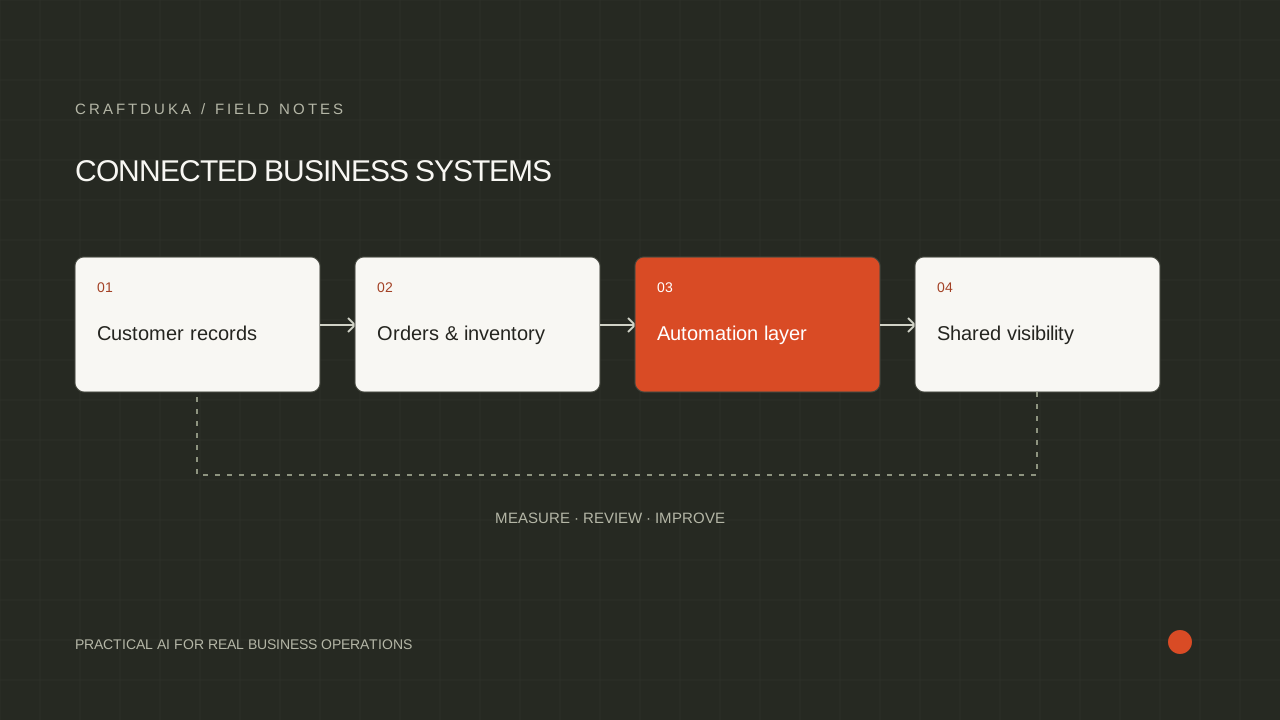
For a hypothetical multi-branch retailer, the POS records sales locally or through its supported checkout process, a connector updates the central reporting store, and an assistant answers manager questions from that store. Each layer needs a visible status. A working checkout does not imply that the central inventory view is current, and a current report does not authorize a payment.
Verify offline behavior in the actual setup
Ask the provider to demonstrate what happens when internet access disappears, when the local network fails and when a device restarts. Those are different failures. Check which payment methods, receipts and product lookups remain available in your hardware and account configuration. The phrase offline mode is too broad to establish operational continuity.
Shopify documents offline checkout and a separate optional offline card-payment feature with hardware and configuration requirements. It also explains that offline card payments are captured after reconnection and can be declined. This illustrates why a stored order must not automatically be treated as settled revenue. Verify the equivalent behavior with your selected provider and region before relying on it.
Make synchronization safe to repeat
Build the connector so processing an event twice does not create two orders, two stock deductions or two customer notifications. Store a stable source identifier and the event's processing status. If an event arrives late, check whether the source record has a newer version before applying a change. Keep failures in a queue an operator can inspect.
Shopify's webhook guidance explicitly discusses duplicate delivery, event ordering and reconciliation. The general design lesson is to combine notifications with periodic source checks. Define how the connector discovers missed changes, how far back it looks and how an operator retries a failed period. A dashboard showing successful requests alone cannot reveal records that never arrived.
- Validate that an event came from the expected provider before processing it.
- Record the source ID, source update time and integration processing time.
- Reconcile transaction counts and relevant totals after reconnecting.
Make stale information visible to staff
An assistant should answer from data with an explicit refresh time and location scope. If stock information is older than the business allows, it should request a live check or hand the question to a person. Do not let it turn an old inventory snapshot into a confident promise that an item is available for immediate collection.
Set freshness limits by decision. A weekly category summary can tolerate a different delay from a live stock enquiry. When a source is unavailable, the interface can still explain the last verified state and its limitations. Store the freshness decision in the integration rules, rather than relying on the model to infer whether old data is acceptable.
Test recovery before choosing the architecture
Run a controlled outage exercise during the pilot. Disconnect the integration, record several transactions, restore the connection and verify that the final order, payment and inventory records agree. Include a return and a changed order as well as ordinary sales. Record the steps an employee must take and the time required to restore a trustworthy report.
Compare cloud and local options using the outcome of those tests, the supported integration methods and the support your team can maintain. Include device management, backups, connector hosting and recovery ownership in the operating plan. The better architecture is the one that meets your store's continuity and data requirements with a recovery process staff can actually follow.
Key takeaways
- Separate the store's ability to transact from the assistant's ability to answer.
- Design for delayed, repeated and missing events in every integration.
- Test recovery after an outage, including payment and inventory reconciliation.
Frequently asked questions
Is a cloud POS always better for AI?
No. Cloud access may simplify some integrations, but reliable APIs, complete records, recovery behavior and operating requirements determine whether the workflow is suitable.
Should an assistant answer inventory questions during an outage?
Only if it clearly identifies the last verified data and the answer is appropriate for that freshness level. Requests requiring current availability should move to a live check or a person.
What is the most useful failure test?
Create transactions while the connector is unavailable, then verify the recovered records against the POS. Include duplicate events, a return and a payment that remains pending.