At a glance
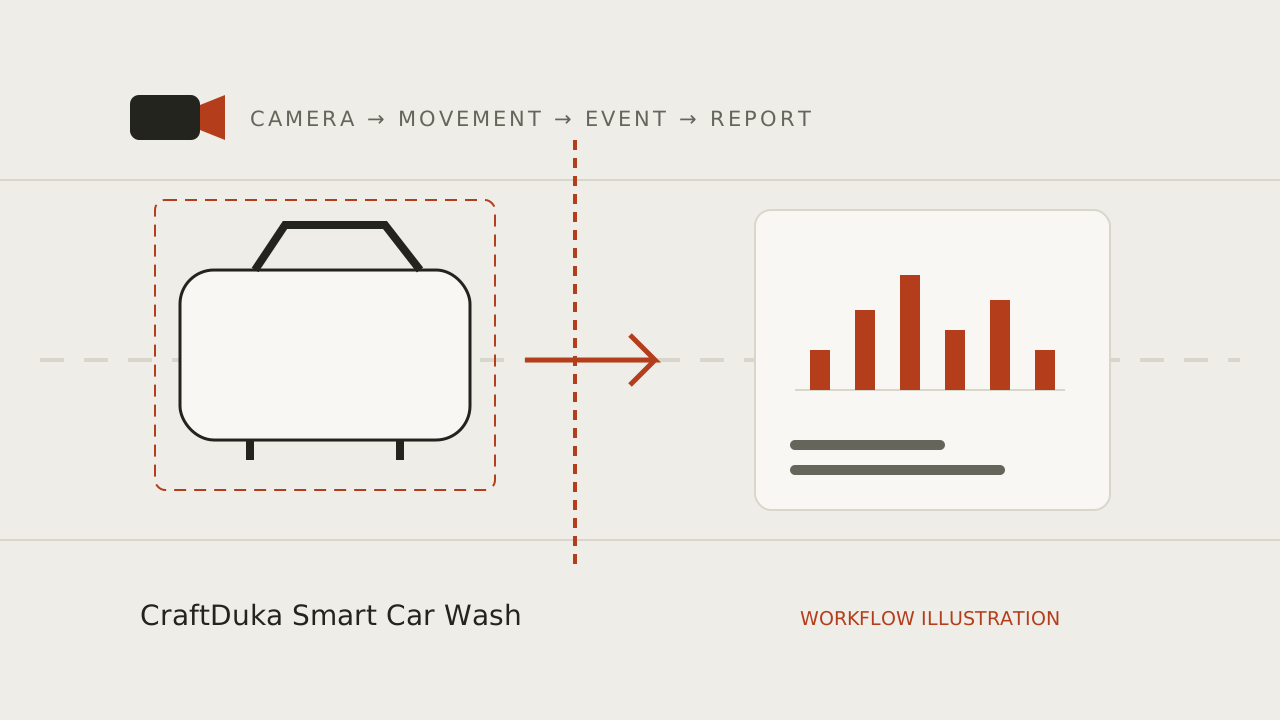
To automatically count cars, use a fixed camera that clearly sees an entrance, track vehicles across successive video frames and register a direction-aware crossing of a virtual boundary. Validate those events against manual observations before trusting totals. Counting objects in occasional snapshots is not enough to establish reliable entries. CraftDuka is developing automated counting; its working proof of concept currently sends camera images through Hermes Agent to WhatsApp.
Define what one entry means
Draw the property boundary and identify where a vehicle becomes an arrival for your purpose. The line should exclude road traffic passing the gate and vehicles using adjacent businesses. Decide whether the unit is a crossing, a visit or a unique vehicle per day. These are different measurements. Counting crossings can be done with short-lived local tracks; identifying the same vehicle after a long absence would require a different design and privacy assessment.
Write rules for motorcycles, tuk-tuks, trailers, staff vehicles and suppliers. If a customer enters, leaves to withdraw cash and returns, two inward crossings may be correct even though the business had one customer. Keep the raw crossing count consistent and add an authorised exception record if needed. Trying to infer every commercial situation from a camera makes both validation and later reconciliation harder.
Position the camera for a clear before-and-after view
The system needs to see the vehicle approaching the boundary and continuing beyond it. A line right at the edge of the image leaves little opportunity to establish a track. Use a stable position that reduces overlap, with a suitable angle for the lane and enough detail to recognise a vehicle shape. There is no universal mounting height: a narrow gate, wide forecourt and covered entrance need different assessments.
Check the view when the queue is longest, not just when the site is empty. Parked cars, signs and wash equipment can block the boundary. Sun glare can change across the day, while rain and water spray can reduce clarity. At night, headlights can overwhelm an otherwise useful image. Capture representative test periods with appropriate permission and adjust the installation before spending time tuning software around a poor view.
Confirm access to an authorised video stream
A monitoring pipeline needs a reliable input with known timing. Some cameras expose a supported stream; others only provide access through a proprietary mobile application or cloud service. Check the exact device documentation and recorder configuration. ONVIF profiles provide a framework for interoperability between conformant devices and clients, but a brand name or an ONVIF label in an advert does not establish every feature required by your workflow.
Test access with an appropriately restricted account. Do not expose camera administration directly to the public internet just to make integration easier. Record resolution, frame timing, latency and what happens after the stream disconnects. A snapshot integration can demonstrate image delivery, as CraftDuka’s proof of concept does, while still leaving continuous tracking unresolved. Confirm the distinction during the technical assessment rather than assuming an image proves a counting pipeline.
Understand detection, tracking and duplicate prevention
A detector identifies likely vehicles in individual frames. A tracker attempts to associate those detections over time. Without association, a car visible for many frames might be counted repeatedly. A local track identifier helps the system remember that an object is already present. It is a software reference within a scene, not proof of the driver’s identity, ownership or a permanent record of a number plate.
Tracking can fail when vehicles overlap or disappear behind a truck. A broken track may return with a new identifier, creating the risk of a duplicate crossing. Association rules, short disappearance tolerance and a sensible boundary help, but need validation. The ByteTrack research linked below illustrates detection association as a technical approach; it does not supply a universal car wash accuracy figure or guarantee that a particular installation will work.
Use direction-aware virtual lines and clear reversal rules
A virtual counting line is a boundary drawn in the camera view. The software follows a chosen point on a tracked vehicle, such as the lower centre of its detected box, and tests whether it moves from one side to the other. Direction distinguishes inward from outward movement. A band around the line can reduce repeated events when detections jitter while a car waits on the boundary.
Define how reversing works. A car that enters and then reverses out has produced an entry and an exit, rather than a completed wash. A driver manoeuvring near the line should not create a stream of artificial events. One useful approach is to require a confirmed transition between two zones, with explicit re-arming rules. Separate gates need their own direction configuration; copying one camera’s settings can invert the meaning at another entrance.
Store timestamps, event identities and coverage
Each accepted crossing needs a stable event identifier, site and camera identifiers, direction, event time and the rule version that produced it. Store time consistently and display operational reports in Africa/Nairobi time for a Kenyan site. Distinguish the time a vehicle crossed from the time a server received the event. Otherwise an internet outage followed by a backlog can make a morning rush appear to have happened in the afternoon.
Retrying a network transmission should not duplicate an event already stored. Keep processing restarts and camera gaps visible. After a restart, the software may not know whether a vehicle near the boundary was previously counted; that uncertainty needs a recovery policy. Counts alone also do not establish occupancy unless every access route and starting balance are known. An exit total larger than entries may simply reflect vehicles present before the reporting window.
Validate with event-level manual observations
Have an observer log real crossings with times and directions for selected intervals. Include quiet traffic, closely spaced cars, large vehicles, reversing, evening conditions and rain where practical. Match each observation to a system event. Classify a real crossing with no event as missed, and an event with no corresponding crossing as extra. Direction errors belong in their own category. Comparing only the final daily total can hide these differences.
For an invented validation exercise, suppose an observer records 100 inward crossings, the system matches 94, misses six and produces four extra events. The reported total is 98, only two below the manual total, yet ten event-level disagreements need attention. This is a teaching example, not CraftDuka performance. Agree acceptable error and minimum coverage for the intended business decision, then rerun the affected tests after changing the camera or rules.
Choose a deployment approach and a maintenance owner
Local processing can reduce the need to transmit continuous video, but introduces equipment, power and maintenance at the site. Cloud processing can simplify some remote administration while requiring an appropriate connection and carefully scoped data transfer. A hybrid approach may process events locally and synchronise summaries. These are architecture options to evaluate, not a declaration that all are available in CraftDuka’s current prototype.
Optional technical acceptance work should cover stream recovery, clock synchronisation, idempotent event writes, rule versioning and access control. Give one person responsibility for lens cleaning, camera movement checks and fault escalation. Repeat a manual sample after mounting changes or recurring discrepancies. Start with a pilot that proves the input, crossing logic and reporting chain before connecting POS records or expanding to multiple sites.
- Document the boundary and edge cases in plain language.
- Test normal operation, power loss, stream loss and reconnection.
- Review event disagreements rather than relying on an aggregate percentage.
- Retain only the data required for agreed validation and reporting.
Plan your monitoring workflow
Explore CraftDuka Smart Car Wash and its current pilot scope. Continue with these related guides:
- AI Car Wash Monitoring in Kenya: How Smart Cameras Are Changing Car Wash Management
Understand AI vehicle counting for Kenyan car washes: camera requirements, WhatsApp reports, practical limits, privacy and a responsible pilot checklist.
- How Car Wash Owners Can Improve Accountability Without Micromanaging Employees
Build fair car wash accountability with shift records, service logs and traffic reconciliation. Understand exceptions and protect staff privacy.
- Smart AI CCTV vs Traditional CCTV: Which Is Better for a Car Wash?
Compare traditional CCTV recording with AI vehicle event analysis, including camera compatibility, accuracy, deployment options, privacy and running costs.
Key takeaways
- Define the crossing event before choosing a model or camera.
- A stable tracking identity helps prevent one stationary vehicle becoming many counts.
- Measure missed and extra events separately under representative conditions.
- Keep downtime and uncertain events visible; never silently turn missing footage into zero traffic.
Frequently asked questions
Can a photo every few minutes produce an accurate count?
It can miss vehicles that enter and leave between photos and cannot reliably connect movement across a long gap. Occasional images can support remote visibility, but a movement count needs an appropriate observation rate and tested tracking or another validated counting method.
Do I need number plate recognition?
Not for a basic crossing count. Temporary scene tracking can count movement without identifying a registration number. Recognising returning vehicles across long periods is a separate use case with additional accuracy and data protection considerations.
What should happen when the camera is offline?
The report should mark an unavailable interval and avoid claiming a full-day count. Recoverable stored video or buffered events may support later processing if the agreed deployment permits it. Otherwise the gap remains unknown; the system should not invent replacement traffic.