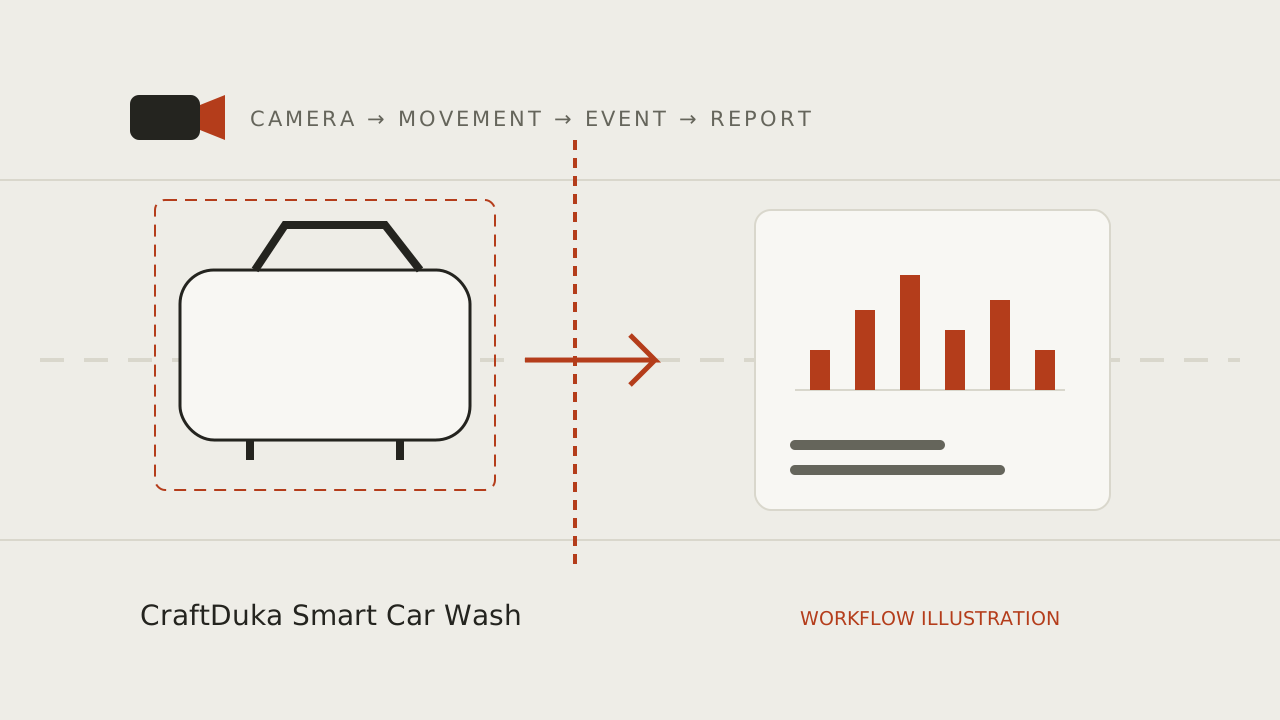
At a glance
A camera can only support a useful vehicle count when its view captures the movement being measured consistently. Before installation, walk the site, choose a clear boundary, test changing light and congestion, and confirm power, network and maintenance access. Validate the view in real conditions before relying on its reports.
Choose the boundary before the camera position
Start by deciding what movement the system should record: arrivals at one entrance, departures from a wash lane or another clearly defined crossing. Walk the likely vehicle paths and choose a boundary that separates the movement of interest from nearby traffic. A view of a whole yard may include more activity while making individual crossings harder to interpret.
Consider shared entrances, parking areas, petrol stations and turnarounds. If vehicles can cross the same boundary in both directions, decide how direction is represented. Document the chosen line and the kinds of vehicles included so a later camera adjustment does not silently change the meaning of the count.
Inspect the view at different times and conditions
Review the scene during operating hours, not only when the site is quiet. Check whether queues, large vehicles, signs, pillars, trees or open gates block smaller vehicles. Observe morning and evening light, reflections, rain and any artificial lighting that changes the scene. If the view depends on a narrow angle, a small shift in a mount can change what is visible.
A high-resolution image does not guarantee that every crossing can be counted. Vehicle overlap, reversing, stop-start movement and headlights can complicate detection and tracking. Capture a few representative observation periods and compare detected events with manual notes. Keep false events and missed events separate; totals alone can conceal both.
Plan power, network and safe maintenance
Confirm how the camera receives power and how event data reaches the processing system. Ask what happens during an internet interruption, power cut or recorder restart, and whether missed periods are clearly reported. Protect equipment and cabling from water, vehicle impact and unauthorised access. Arrange installation and maintenance so workers do not need to climb or reach across active vehicle routes.
Check compatibility for the exact camera model and configuration. Existing CCTV may be reusable, but access to a live stream, firmware behavior, network permissions and continuous operation still need assessment. Avoid assuming that a connection demonstrated on one device proves the whole camera range will work.
Set privacy and operating rules
Keep the field of view focused on the entrance or lane required for the task. Avoid adding audio, face recognition or individual staff monitoring when a vehicle movement count does not require them. Explain the purpose to staff, limit access to authorised people and agree how long any footage or event records are retained.
Decide who checks the camera, who receives alerts and who responds when coverage fails. A report should disclose its time window and any data gaps. Do not present an incomplete period as a complete count, and do not use a technical estimate as the only basis for a consequential decision about a worker.
Use a placement checklist before sign-off
Treat camera placement as a pilot to validate rather than a one-time mounting decision. Observe the intended boundary in routine and difficult conditions, record the differences and adjust the view or use case as needed. Agree the acceptance criteria with the people who will use the report before installation is considered complete.
- Mark the exact movement boundary and direction rules.
- Check the view during queues, rain, glare and low light.
- Test power, network interruption and recovery behavior.
- Confirm privacy, access, retention and maintenance ownership.
- Compare a sample of events with manual observations before relying on totals.
Plan your monitoring workflow
Explore CraftDuka Smart Car Wash and its current pilot scope. Continue with these related guides:
- AI Car Wash Monitoring in Kenya: How Smart Cameras Are Changing Car Wash Management
Understand AI vehicle counting for Kenyan car washes: camera requirements, WhatsApp reports, practical limits, privacy and a responsible pilot checklist.
- Car Wash Queue Management: Use Arrival Patterns to Improve the Customer Experience
Use arrival patterns, bay status and wait-time observations to improve car wash queues without treating camera counts as a complete operating record.
- How to Automatically Count Cars Entering a Car Wash Using AI Cameras
A practical guide to entrance camera placement, vehicle detection and tracking, virtual counting lines, duplicate prevention and manual accuracy checks.
Key takeaways
- Choose a camera view for one clearly defined movement.
- Check lighting, occlusion and weather across normal operating conditions.
- Plan privacy, connectivity, power and maintenance before mounting.
Frequently asked questions
Can I use any existing CCTV camera?
Possibly, but the exact model, stream access, placement, firmware and network setup need to be checked. A successful connection alone does not show that the view is suitable for reliable counting.
Where should I mount the camera?
Choose a position that clearly captures one defined crossing with minimal overlap and obstruction. The right position depends on the site layout, vehicle routes and changing light, so validate it on location.
Do I need to record video continuously?
That depends on the system and its purpose. Minimise collection, limit access and retention, and confirm how the chosen setup works before deployment. Some counting approaches may rely on selected frames or events rather than keeping a full recording.