At a glance
For a Shopify store, AI is most useful when it works from accurate catalogue, order, and policy data. Start with a narrow workflow such as product drafting or support triage, then measure whether it improves the shopping or operating experience.
Map the store journey before choosing a tool
Follow a customer from product discovery to checkout, fulfilment, and support. Identify where your team repeatedly rewrites information, searches across systems, or asks customers to repeat details. For a Kenyan store, check the actual payment, delivery, and location information that your operation supports instead of assuming every shopper follows the same path.
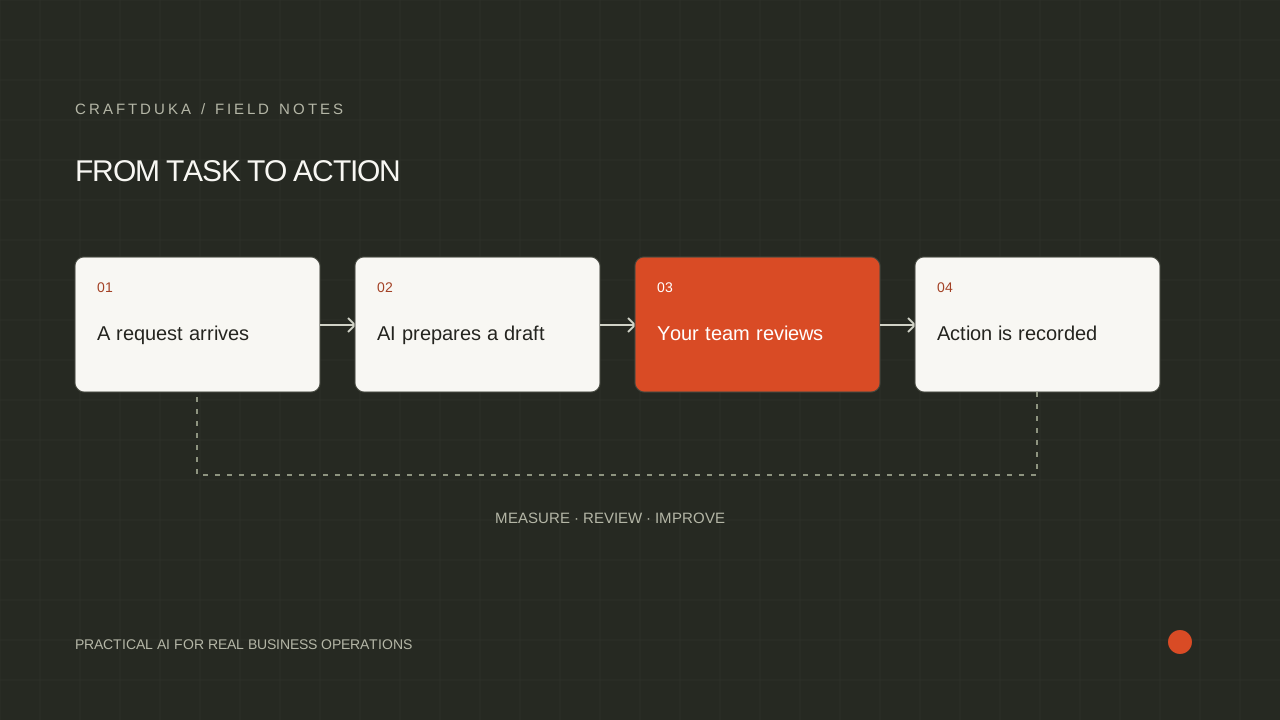
Choose one workflow with a clear owner. Product description drafts might belong to the merchandising lead; order enquiry triage might belong to support. Write down the source data and the final action for that workflow. A clear process makes it easier to choose between a built-in store feature, an integration, and a custom AI component.
Create product content from verified attributes
Give the assistant structured product facts: material, size, dimensions, variants, care instructions, and intended use. Ask it to produce a readable draft without adding features or performance claims. Review the output against the source record before publication. A polished description that invents compatibility or stock availability can create more support work than it saves.
Keep a consistent editorial template across the catalogue. Explain the product, provide the decision-making details, and answer common purchase questions. Where source data is missing, request it from the supplier or product owner. Do not use generated text to conceal gaps that a customer needs resolved before making a purchase.
Connect store events to controlled actions
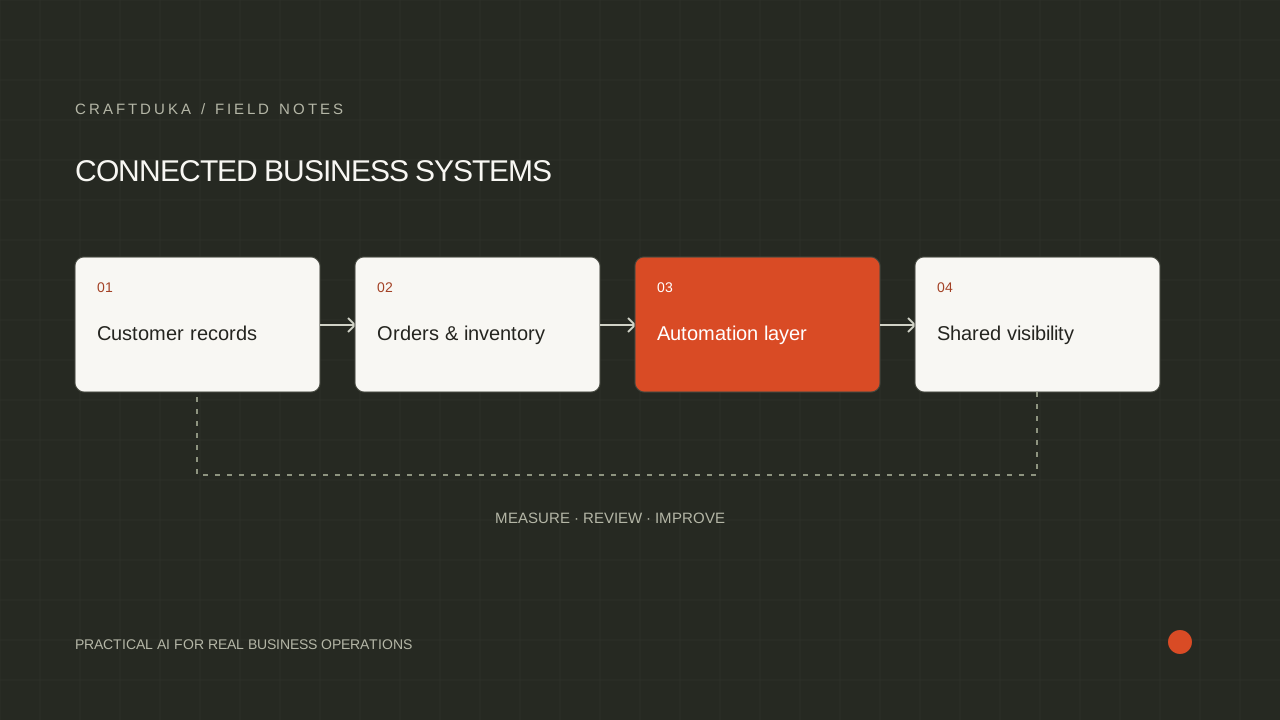
Shopify's documentation describes Flow workflows through triggers, conditions, and actions. That structure is a useful starting point for tasks such as tagging an order or notifying the team about an exception. Add an AI step only when the incoming information needs interpretation, such as classifying a free-text note for manual attention.
Consider an illustrative workflow: an order arrives with a delivery note, an assistant categorizes the note, and a rule routes unusual requests to the fulfilment team. The classification should not silently change the delivery promise or the order total. Validate the output category and keep the original note available so the team can review the decision.
Keep customer answers connected to current information
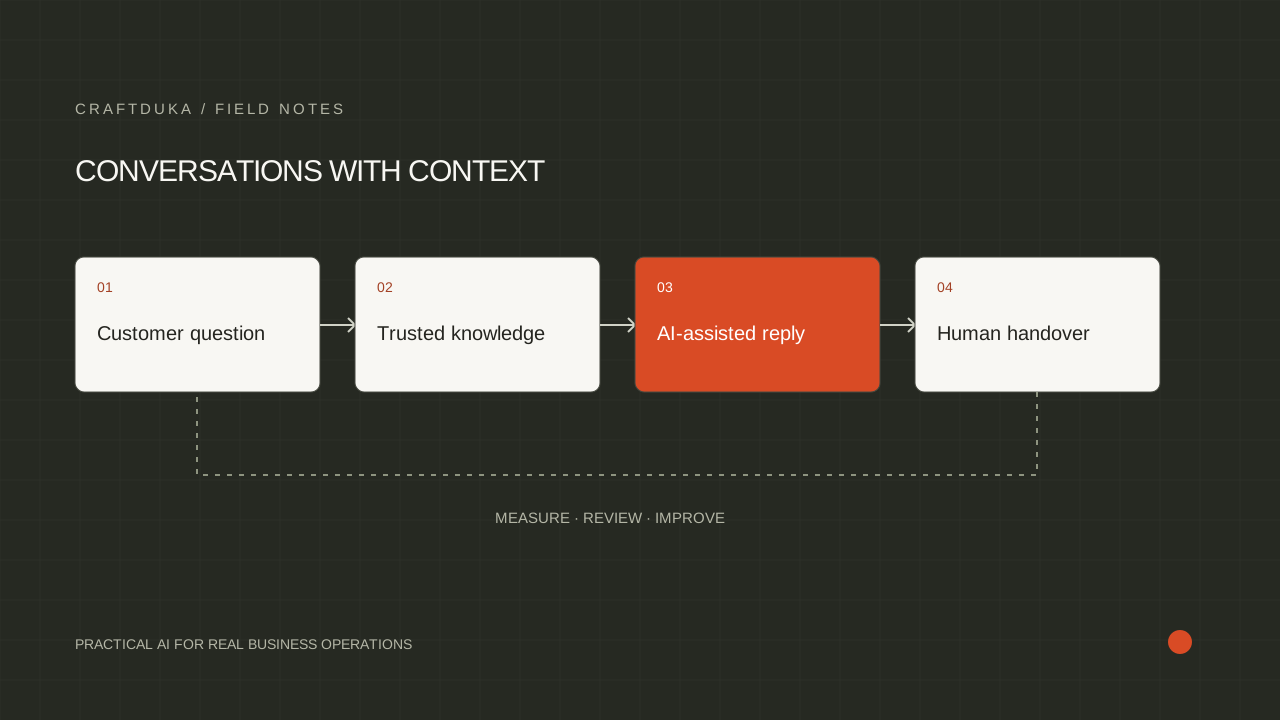
Separate general product questions from account-specific requests. Product guidance can use approved catalogue and help content. Order status should come from an authorized lookup, with the customer matched to the relevant order before details are returned. A language model should explain the retrieved status, not invent a likely shipping update when the connection fails.
Define a clear handoff for returns, payment mismatches, damaged deliveries, and requests outside policy. Tell customers when their question has moved to a person and preserve the conversation context. For multilingual support, test the languages and expressions customers actually use; translated interface labels alone do not demonstrate that an assistant handles real enquiries well.
Measure the customer and operational impact
Review draft acceptance, correction effort, support resolution, and the reasons customers still need an agent. For merchandising experiments, record which products and pages changed so results can be compared sensibly. Changes in stock, promotion, or traffic mix can affect performance independently of the AI workflow.
Maintain a release checklist for catalogue updates and connected integrations. Test missing variants, unavailable products, duplicate events, and failed lookups. A workflow should degrade to a useful manual process when a dependency is unavailable. Expand only when the store team can explain the workflow, identify a bad result, and stop or repair it without guessing.
- Use verified attributes for every generated product claim.
- Keep a person responsible for policy and catalogue changes.
- Test payment and delivery exceptions using representative store scenarios.
Key takeaways
- Keep prices, inventory, order state, and policies in their authoritative systems.
- Use AI for language-heavy work and rules for predictable store actions.
- Evaluate workflow results with corrections, support outcomes, and store performance.
Frequently asked questions
Should an AI assistant control Shopify prices or inventory?
Prices and inventory should remain controlled by the store's approved systems and business rules. An assistant can summarize or propose changes, but operational writes need explicit validation and appropriate review.
Is Shopify Flow the same as an AI agent?
No. Flow organizes automated steps around store events, conditions, and actions; an AI component can be added where interpretation is useful, but many store workflows do not need one.
What is a useful first ecommerce AI project?
Product content drafting from complete catalogue data or support enquiry classification can be contained starting points. Choose the one with clearer source information and an owner who can assess quality consistently.