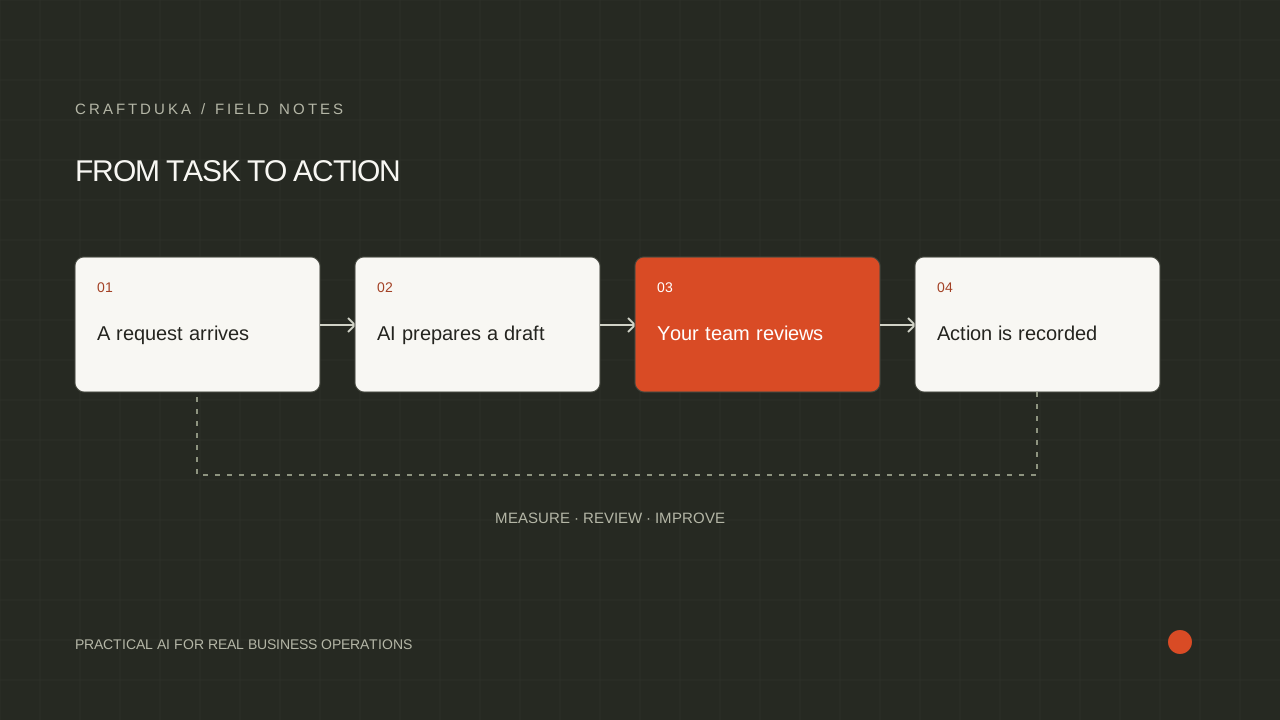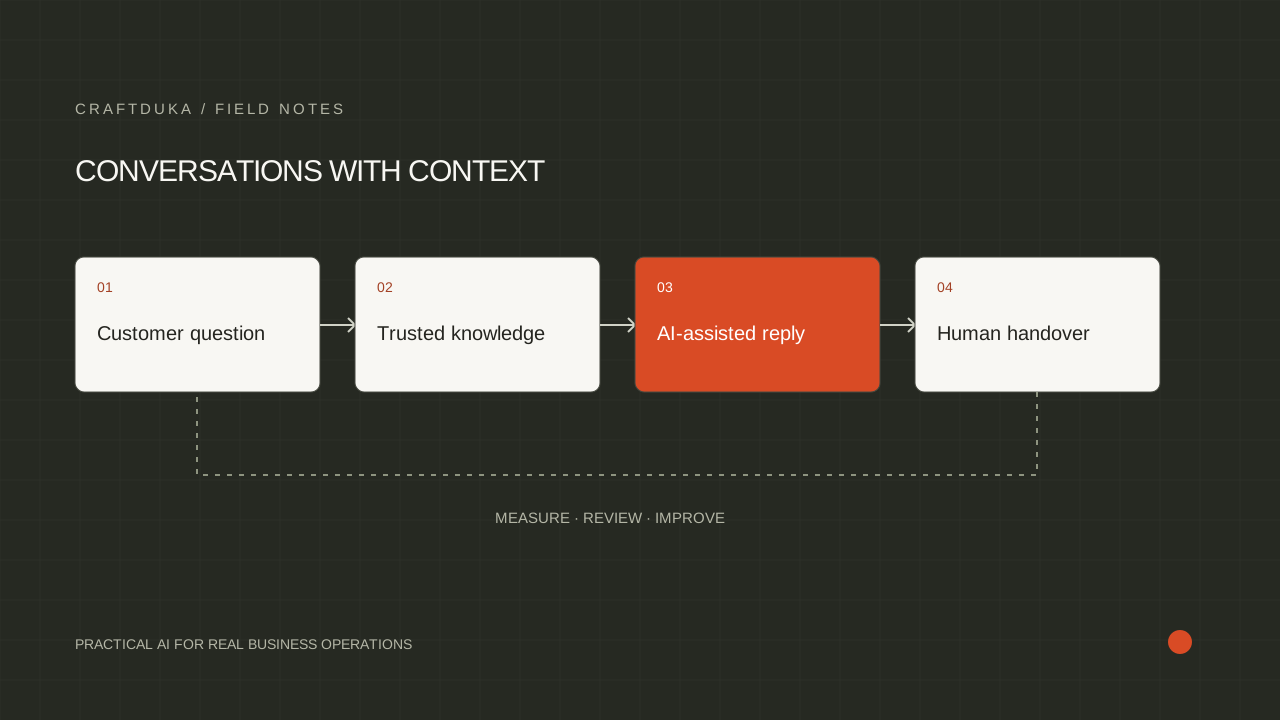
At a glance
A WhatsApp CRM should make conversations easier to manage without making them feel robotic. Start with one customer journey, define ownership and consent, and connect messages to records your team can act on.
Map the customer journey
Write the journey from first message to resolution: enquiry, qualification, quote, payment, delivery or support. Decide what information is needed at each step and who owns the next action.
A small, complete journey is a better starting point than an inbox-wide automation project. For example, begin with website enquiries and a clear handoff to a salesperson.
Design the CRM record
Store the contact's name, phone number, source, service interest, conversation status, owner and next follow-up date. Make required fields useful rather than exhaustive. A record that no one keeps current will not improve sales visibility.
Use tags or stages consistently so managers can see where opportunities are stuck and agents know what to do next.
Keep human control where it matters
Automate confirmations, routing, FAQs and reminders when the rules are clear. Route complaints, payment disputes, medical or legal questions, and ambiguous requests to a trained person.
Log what the automation sent and why. Test opt-outs, duplicate contacts, failed messages and periods when the team is offline before launch.
Key takeaways
- Choose one conversation journey and define its handoffs.
- Capture consent, source and next action alongside each contact.
- Use automation for speed while keeping sensitive or unusual cases with a person.
Frequently asked questions
Is a WhatsApp CRM only useful for sales?
No. It can support enquiries, bookings, customer service, reminders and follow-up, provided each use case has clear ownership and appropriate consent.