At a glance
A vehicle crossing a camera line and a paid wash are different events. Reconciliation becomes useful when owners define each record, align time periods and classify ordinary exceptions such as repeat movements, non-wash visits and delayed payments. Investigate patterns with staff instead of treating a difference as proof of a problem.
Separate traffic, service and payment
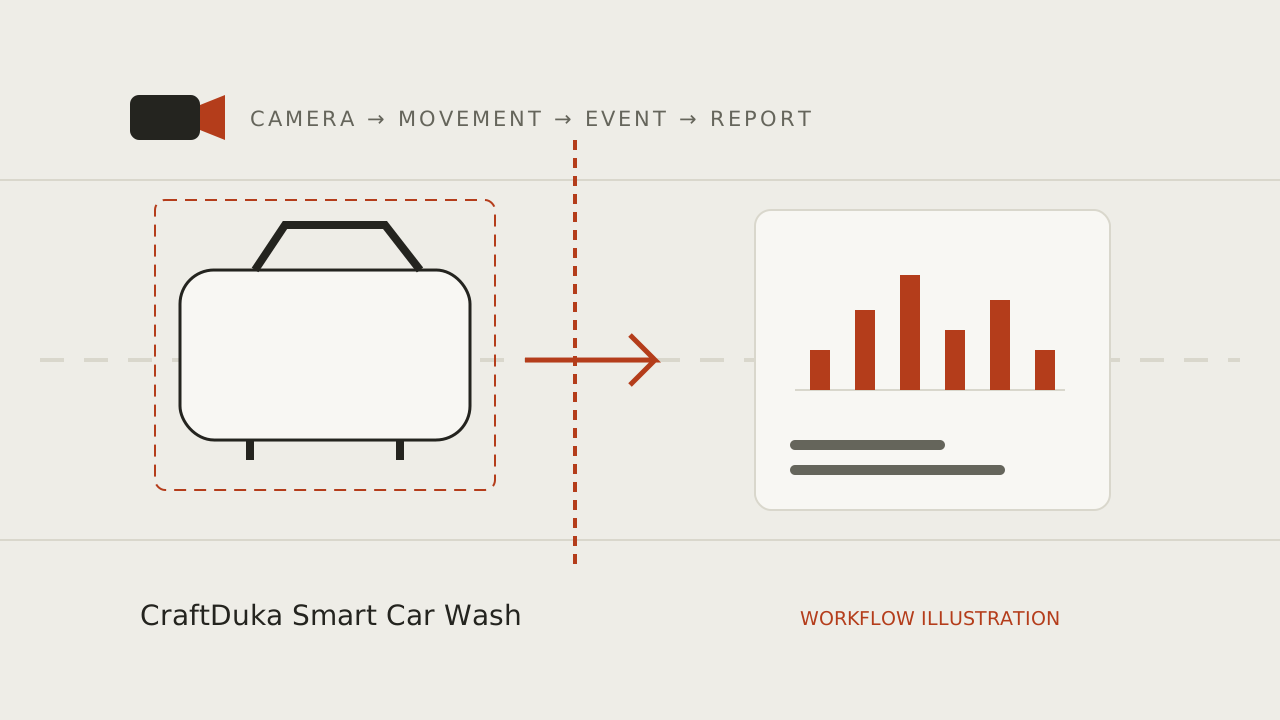
A camera may estimate that a vehicle crossed an entrance boundary. A job sheet or point-of-sale record may show that a service was started or completed. A payment record shows a transaction. These records answer different questions, so their totals should not be expected to match automatically.
A driver may enter to ask a question and leave without a wash. A vehicle can return through the same gate, arrive before the reporting window or be on site for another service. A completed wash may be recorded after midnight or under a different service label. Write down which event each system records before drawing conclusions.
Align the time window and definitions
Use the same site, operating day, timezone and start and end times. Check whether one report groups activity by calendar day while the business closes after midnight. Confirm whether the camera counts both directions, motorcycles, staff vehicles or repeat crossings, and whether sales records use the same inclusion rules.
Do not compare a camera estimate from an incomplete coverage period with a full day of till records. Mark maintenance, power interruptions and obstructed views. If the counting rule or camera position changes, note the date so that a before-and-after comparison does not mix different methods.
Use an exception log to explain differences
Create a short daily or shift-level reconciliation with the date, coverage status, estimated entries, completed jobs, payment total and notes. Avoid adding customer names or employee rankings unless there is a clearly approved business need. The purpose is to explain how the records differ, not to make a camera estimate look exact.
Classify common exceptions in plain language: non-wash visit, repeat crossing, vehicle still on site, service recorded in the next period, manual correction or camera outage. Review repeated patterns with the people who operate the site. Update the definitions when a genuine workflow change makes an old rule inaccurate.
Investigate patterns, not isolated differences
A difference on one shift may reflect timing or a missed record. If a gap repeats under comparable conditions, check the underlying records and system coverage before deciding what it means. Look for errors that can cancel each other, too: a missed vehicle and an extra crossing can produce a plausible total while individual events are wrong.
Use a review process that allows staff to explain exceptions and correct records. A camera count is an operational signal, not proof of a sale or a person’s conduct. Restrict access to footage and reports, and set a retention period appropriate to the stated purpose.
Start with a simple weekly review
For a first review, pick a few comparable shifts and manually check a sample of the camera events against the gate and service process. Record missed crossings and extra events separately. Agree what level of completeness is useful for the intended decision, and pause any decision that depends on periods with poor coverage.
Once the team trusts the definitions, use the comparison to ask better questions: which periods need closer observation, where are records delayed, and what process change would reduce avoidable exceptions? A consistent, explainable record is more valuable than an unsupported claim that two totals should match.
- Write down what an entry, job and payment mean.
- Use a shared timezone and aligned operating periods.
- Label missing coverage and log known exceptions.
- Review recurring gaps with the team before changing policy.
Plan your monitoring workflow
Explore CraftDuka Smart Car Wash and its current pilot scope. Continue with these related guides:
- AI Car Wash Monitoring in Kenya: How Smart Cameras Are Changing Car Wash Management
Understand AI vehicle counting for Kenyan car washes: camera requirements, WhatsApp reports, practical limits, privacy and a responsible pilot checklist.
- Car Wash Queue Management: Use Arrival Patterns to Improve the Customer Experience
Use arrival patterns, bay status and wait-time observations to improve car wash queues without treating camera counts as a complete operating record.
- How to Automatically Count Cars Entering a Car Wash Using AI Cameras
A practical guide to entrance camera placement, vehicle detection and tracking, virtual counting lines, duplicate prevention and manual accuracy checks.
Key takeaways
- Keep movement, completed service and payment as separate records.
- Align reporting periods, timezone and site operating hours before comparing totals.
- Use a documented exception log and review recurring gaps with the team.
Frequently asked questions
Should entries equal completed washes?
Not necessarily. Entries can include non-wash visits, vehicles still on site, repeat crossings and work recorded in another period. Define the events and compare aligned periods first.
Can the camera total prove cash was lost?
No. A movement estimate does not establish that a service was sold, completed or paid for. Investigate discrepancies using the underlying operational records and a fair review process.
How often should I reconcile?
Choose a cadence the team can maintain. A short shift-level log can reveal timing and coverage issues; a regular weekly review can help identify patterns without overreacting to one unusual day.