At a glance
A daily WhatsApp car wash report needs a trustworthy event source, a defined reporting period, an aggregation step and an authorised messaging workflow. It should state entries, exits and camera coverage, while keeping service and revenue figures separate unless linked records support them. CraftDuka has demonstrated camera image delivery through Hermes Agent to WhatsApp; automated count summaries, schedules and on-demand reports are still being developed or tested.
Start with the decision the owner wants to make
A message saying “busy today” offers little basis for comparison. A useful daily report answers a specific question: how many movements were observed during operating hours, when entry activity peaked or whether coverage was interrupted. Decide which question matters before choosing a format. For a single Kenyan car wash, a concise closing summary may be enough. A manager overseeing branches needs a site identifier and comparable reporting rules.
Keep the first report small. A few clearly defined figures are easier to review than a long narrative containing inferred explanations. If the system observes more arrivals than yesterday, it can describe that difference; it should not invent a reason such as better marketing or improved staff performance. Weather, road access, opening hours and missing data all affect interpretation. Add operational notes only when a responsible person records them.
Understand the path from camera event to message
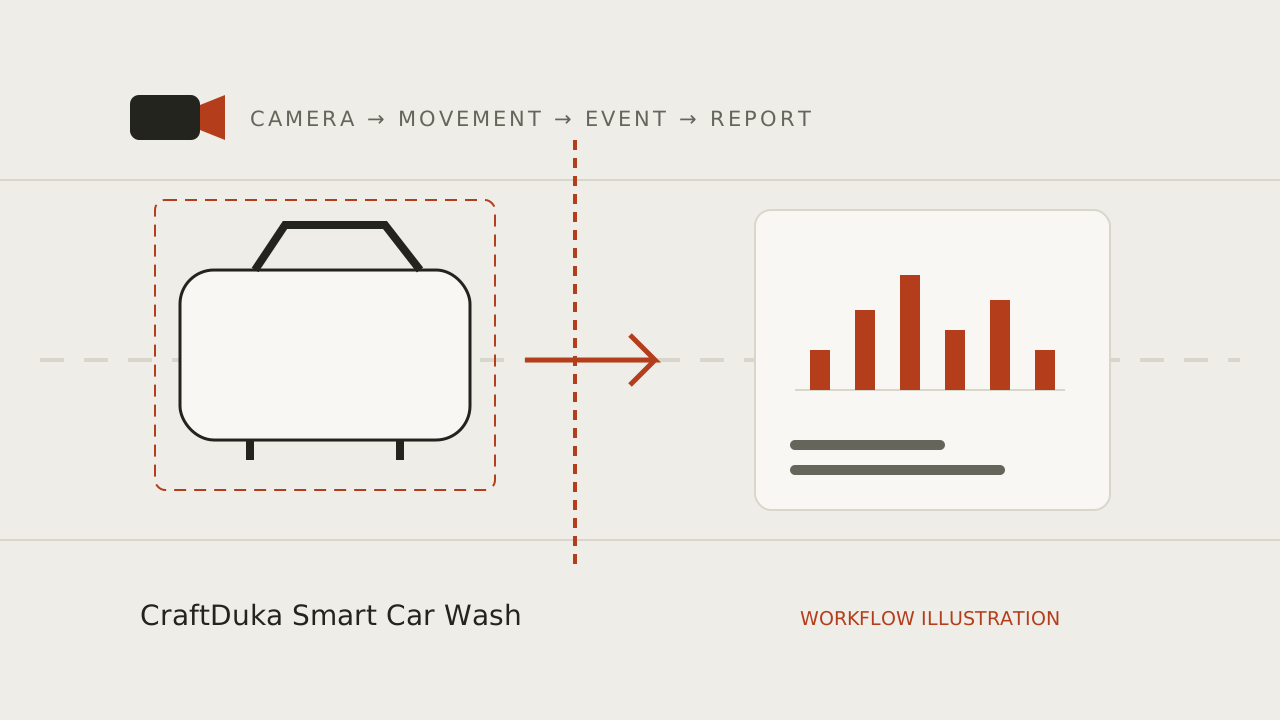
The intended chain begins with a camera view and validated direction-aware vehicle events. An event store retains timestamps and site identifiers. A reporting process aggregates a defined interval, checks coverage and prepares a summary. A messaging integration then sends it to approved recipients and records delivery status. Hermes can participate in an assistant workflow, but it should query controlled records rather than estimate a daily total from a few pictures.
CraftDuka’s current camera-to-WhatsApp proof of concept verifies an early image delivery path using a V380 camera and Hermes Agent. It does not establish that all the event storage, scheduling and aggregation steps are production-ready. During a consultation, distinguish a live demonstration from a proposed report design. Ask which component owns the count, how the report is verified and what happens if a message cannot be delivered.
A clearly labelled sample daily report
Illustrative sample only: “Sample Site A · 11 November 2026 · 08:00–18:00 EAT. Observed entries: 62. Observed exits: 58. Peak entry hour: 15:00–16:00, with 11 entries. Camera coverage: 9 hours 40 minutes of the 10-hour window. Missing interval: 12:10–12:30. Totals exclude unknown activity during that gap. Vehicle movements only; no completed-service or revenue data connected.” These are invented figures, not a client report or pilot result.
The value of this format is its boundary information. Entries and exits may differ because vehicles were present before opening, remain after closing or used an unmonitored route. The gap prevents a misleading claim of a complete operating day. An owner can still use the report to identify a period to discuss with staff, while recognising that the missing interval limits comparisons and any reconciliation with the service register.
Design scheduled summaries and on-demand queries separately
A scheduled closing report needs an agreed cutoff and a policy for events arriving late. For a Kenyan site, display Africa/Nairobi time and ensure that storage and reporting use consistent time conversions. If work continues after the usual closing hour, decide whether the final report waits, includes a partial interval or issues a clearly labelled revision. Versioning matters when an owner later compares a message with a dashboard export.
On-demand questions such as “How many entries before lunch?” require a permitted user, an identified site and an exact period. Ambiguous requests need clarification rather than a guessed answer. A future assistant should distinguish observed records from unknown intervals and decline to infer revenue from movements. Limit who can request images or detailed events, even if routine aggregate summaries are available to a wider management group.
Make missing data and delivery failures visible
A camera may stop sending video while the message service remains available. The resulting report can arrive on time and still be incomplete. Track coverage independently from messaging status. A zero count during a valid observation period means something different from no observations because the camera was offline. Reports should name the affected interval and avoid silently estimating what happened during it.
A messaging failure creates the opposite situation: useful events exist but the owner receives no summary. Record the attempt, delivery outcome where available and retry behaviour. Use stable report identifiers so a retry does not look like another day’s activity or cause duplicate decisions. Agree an alternative notification path and who investigates persistent faults. A brief “report unavailable” notice can be more helpful than an apparently normal total built from partial records.
Send alerts only when someone can act on them
Not every movement needs a notification. Frequent images can distract an owner and expose unnecessary personal information. Begin with a daily summary and a small set of operational alerts, such as a sustained camera outage during opening hours. Give each alert a recipient, a threshold, an escalation rule and a way to acknowledge it. Group repeated faults into one incident so a weak connection does not generate a message every minute.
Be careful with labels. An unexpected count difference is a reconciliation question, not a fraud alert. A busy gate does not prove a queue, and a long gap between observed crossings does not prove the site is closed. Alerts should describe what the system actually knows and explain uncertainty. Review whether each alert led to a useful action; remove or adjust those that consistently create noise without improving operations.
Plan WhatsApp permissions, platform rules and privacy
For a WhatsApp Business Platform implementation, the current Business Messaging Policy requires recipient opt-in and approved templates for business-initiated conversations under its rules. Review the current technical requirements, message category and charges with the provider before production. A prototype’s delivery mechanism should not be assumed to settle the account setup, permissions or reliability of a commercial reporting service.
Keep reporting recipients explicit and review them when managers change roles. Prefer aggregate counts over images when an image is unnecessary. If an authorised user requests a picture, consider what people, plates or neighbouring activity are visible before deciding how that feature should work. Document storage and third-party processing, and agree retention separately from the owner’s chat history. Deleting an event from one system does not automatically remove copies already delivered to a phone.
Add POS reconciliation only after the count is trustworthy
A future POS integration could combine service completions, payment status and traffic context in one reporting process. It would need compatible records, consistent time windows, job identifiers where appropriate and explicit treatment of refunds, fleet credit, complimentary work and rewash visits. Keep each metric labelled by its source. If the POS connection fails, suppress or mark that section rather than deriving revenue by multiplying entries by a typical wash price.
For a pilot enquiry, bring your desired closing time, recipient list, sample service register and camera details. Ask CraftDuka to identify the current demonstrable scope and the proposed report workflow. Agree validation, permissions, fault handling and cost categories before assuming the full reporting experience is available. A dependable concise report is a better operational starting point than an elaborate assistant that cannot explain where its figures came from.
- Specify the site, date, timezone and interval.
- Show counts alongside coverage and unknown periods.
- Separate delivery status from data completeness.
- Keep transaction figures absent until a verified record source is connected.
Plan your monitoring workflow
Explore CraftDuka Smart Car Wash and its current pilot scope. Continue with these related guides:
- AI Car Wash Monitoring in Kenya: How Smart Cameras Are Changing Car Wash Management
Understand AI vehicle counting for Kenyan car washes: camera requirements, WhatsApp reports, practical limits, privacy and a responsible pilot checklist.
- How to Automatically Count Cars Entering a Car Wash Using AI Cameras
A practical guide to entrance camera placement, vehicle detection and tracking, virtual counting lines, duplicate prevention and manual accuracy checks.
- How Car Wash Owners Can Improve Accountability Without Micromanaging Employees
Build fair car wash accountability with shift records, service logs and traffic reconciliation. Understand exceptions and protect staff privacy.
Key takeaways
- A report is only as complete as its underlying camera and event coverage.
- Use a site, date, timezone and reporting interval on every summary.
- Agree recipients, message permissions, template requirements and fault handling.
- Treat POS revenue reconciliation as a separate integration with explicit definitions.
Frequently asked questions
Can I ask for a current count on WhatsApp?
That is part of the intended workflow, subject to implementation and validation. A useful answer needs an authorised recipient, a current event store and a clear period. CraftDuka’s working image delivery proof of concept should not be confused with a validated on-demand counting service.
Should I receive an image with every report?
Only if an image serves an agreed purpose. Aggregate summaries often provide the operational information with less exposure of people or vehicles. Image sharing needs separate access and retention decisions, including the risk of recipients forwarding a message.
Can the report show money collected?
Only when a suitable transaction source is connected and its completeness is checked. Vehicle events cannot verify payment. Even with a POS, the report must define cash received, credit sales, refunds and the period covered rather than presenting one ambiguous revenue total.