At a glance
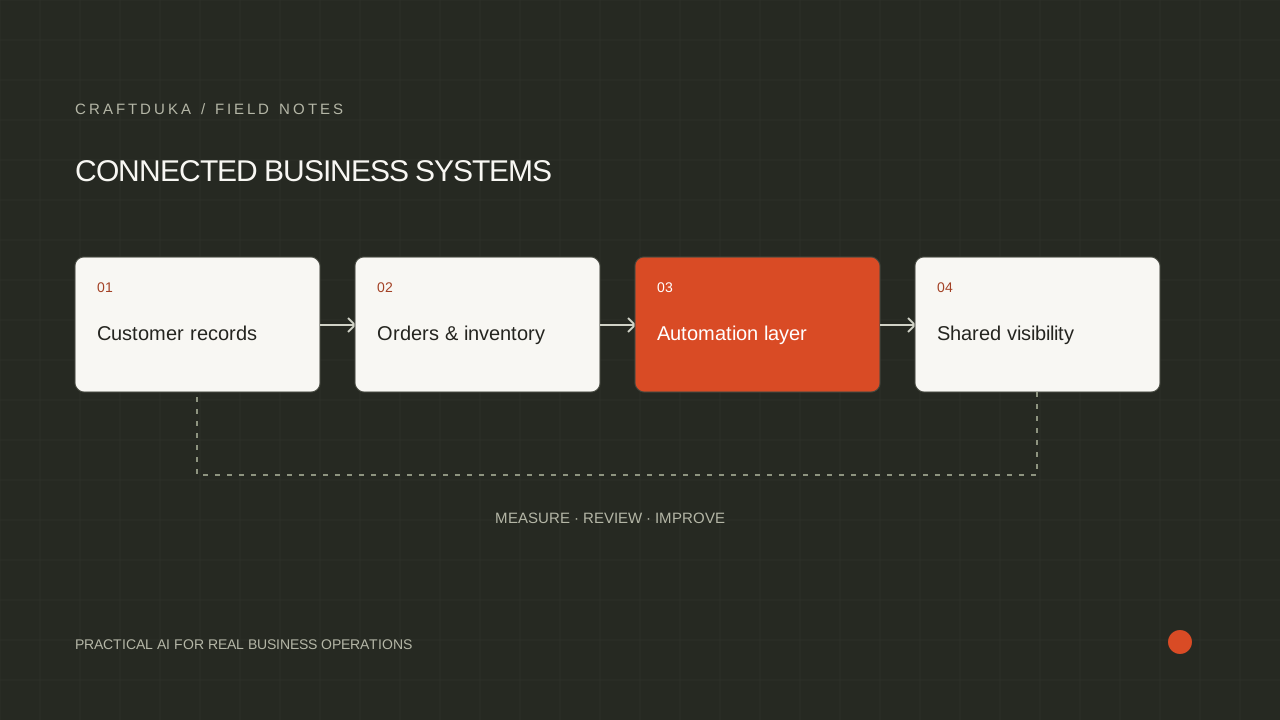
An AI assistant connected to ERPNext is only useful when it can retrieve reliable records and respect the rules behind them. Start with one operational question, clean the records that answer it, and keep consequential changes behind explicit approval. This guide explains how to build that foundation.
Choose one operational question worth answering
Start with a question that employees already answer repeatedly: which orders are overdue, which purchase requests lack information, or which customers have unresolved delivery queries. Write down where the answer lives, who uses it and what they do next. A broad instruction to automate the business gives the project no useful boundary.
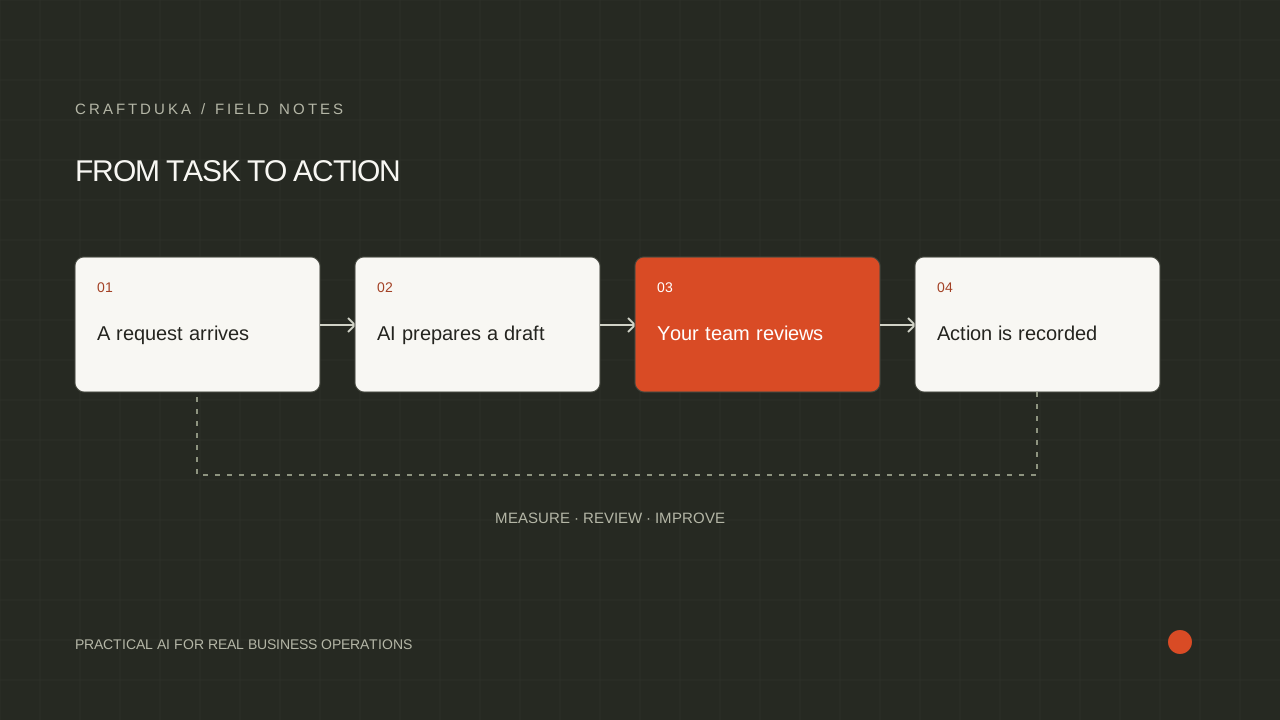
For a hypothetical distributor, a sensible first workflow is a daily summary of late sales orders. The assistant can explain exceptions and link each item to its ERP record. A manager still decides whether to contact a customer, change a delivery date or issue a refund. This creates a focused test of retrieval and explanation without handing over transaction control.
Clean the records that the workflow actually needs
Create a field map covering the customer identifier, order identifier, promised date, current status and responsible employee. Agree what each status means. If one team treats an order as delivered when it leaves the warehouse and another waits for customer confirmation, an assistant will reproduce that disagreement in polished language.
Review a representative sample that includes incomplete records, cancelled orders and duplicate customers. Fix the process that creates bad data as well as the existing records. Keep missing values visible: an absent delivery date should become a request for clarification, not an invented date or an assumption that the order is late.
- Use stable record IDs for matching; names alone are unreliable identifiers.
- Standardize currencies, time zones and units before comparing values.
- Assign a business owner to each field that changes the recommendation.
Connect through an API with limited access
Frappe, the framework behind ERPNext, documents REST endpoints for working with documents and separate endpoints for calling allowed methods. That provides an integration route; it does not mean every document should be sent to a language model. Retrieve only the records and fields required for the selected workflow, using credentials that have the appropriate access.
Put business rules in the integration service. Calculate dates, totals and eligibility with ordinary code, then give the assistant the verified results to explain. Include source record links and the retrieval time in its output. If a user asks about records outside their access, enforce that restriction before any data reaches the assistant.
Separate suggestions from changes to the ERP
Treat a generated recommendation as a draft. A message suggesting a revised delivery date should not silently update the order. Show the proposed change, its supporting records and the person who must approve it. Recheck the current order before applying an approved change, because another employee may have edited it in the meantime.
Design the failure route before the happy path goes live. If the ERP is unavailable, show that the information could not be refreshed. If an action is retried, use a stable request identifier so it does not create a second task or document. Keep a log that connects the request, approval and final ERP response.
Test against the decisions your team makes
Build a review set from past operational cases, with sensitive information removed where possible. Include routine cases, ambiguous statuses, partial deliveries and records a particular user must not see. Ask the process owner to mark whether each answer is correct, sufficiently current and supported by the linked record.
During a limited pilot, compare time spent preparing the report, correction frequency and the number of unresolved exceptions with the previous process. Keep the same definition of success throughout the comparison. Expand to a second workflow only after the first has a reliable owner, a documented recovery procedure and evidence that staff can use its output.
Key takeaways
- Choose one workflow with an accountable owner before connecting an assistant.
- Preserve record identifiers, permissions and source links throughout the integration.
- Measure answer accuracy and staff effort before expanding access or automation.
Frequently asked questions
Does ERPNext automatically become an AI assistant when connected to an API?
No. The API exposes business data and actions; the assistant still needs retrieval rules, user permissions, evaluation and an interface suited to the workflow.
Should we migrate all historical records before starting?
Only migrate the history needed for the first workflow and its evaluation. Agree how much historical context is necessary, then validate that subset before expanding.
Can an assistant create purchase orders?
An integration can be designed to prepare drafts, subject to the ERP configuration and permissions. Begin with human approval and explicit validation of suppliers, quantities and totals.