At a glance
The right ERP for an AI project is the one that supports your operational process and exposes the necessary data safely. Evaluate a specific workflow across ERPNext, Odoo and SAP Business One using the same sample records, approval rules and recovery tests. A feature checklist alone cannot establish fit.
Define the workflow before comparing products
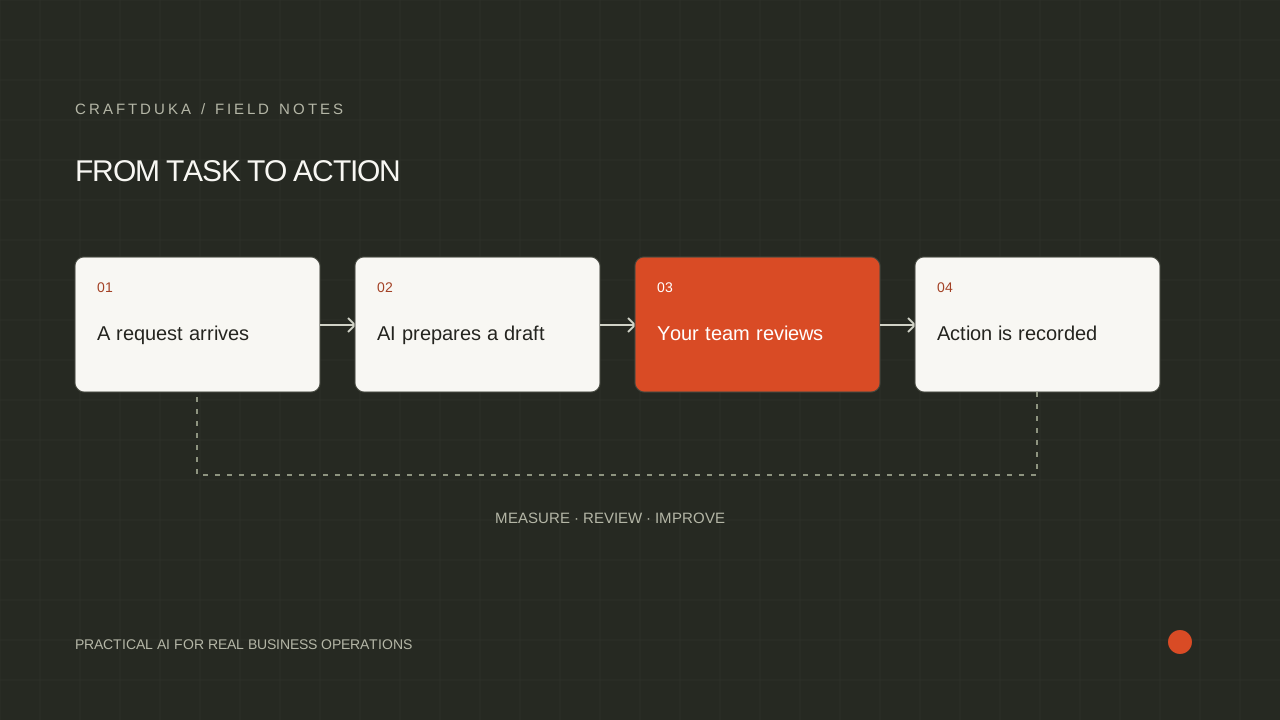
Describe one complete business event, from its trigger to its final action. For example, an incoming supplier document could become a draft purchase record, with uncertain fields highlighted for review. List the documents, business rules and approvals involved. This makes it possible to distinguish a useful integration from a convincing demonstration.
Record the constraints specific to your business: the systems already in use, branch connectivity, staff permissions, reporting needs and the person responsible for support. For a Kenyan business, include the actual payment and accounting integrations in the test environment. Do not accept a generic claim of local compatibility as proof that your particular configuration works.
What the official APIs establish
ERPNext uses Frappe, whose documentation describes document APIs and allowed server methods. Odoo 19 documents a JSON-2 external API and states that external API access on its hosted pricing plans is available on Custom plans. SAP Business One documents its Service Layer API using OData. These are concrete integration starting points, not evidence that any one product is universally better.
Ask each implementer to identify the exact deployment they are proposing. An Odoo example for one release may not match another release; SAP Business One is a specific product, not a synonym for every SAP ERP. Verify the available endpoints, authentication method and permissions in the environment you will actually operate before estimating the AI work.
- ERPNext: demonstrate access to the DocTypes and permitted actions the workflow needs.
- Odoo: confirm the version, hosting arrangement and external API entitlement.
- SAP Business One: demonstrate the relevant Service Layer entities and actions.
Run the same proof of concept in every finalist
Give each finalist the same representative sample, including missing fields, duplicate records and a request that must be rejected. Require the demonstration to show the original record, the generated recommendation, the approval step and the resulting audit trail. Ask a member of your operations team to use it without the demonstrator guiding every click.
For a hypothetical stock enquiry assistant, test a product available at one branch but reserved at another. The answer must reflect the correct location and availability definition. A fluent answer based on a global quantity is still wrong. Repeat the test after changing the source record to check that the integration handles fresh information.
Evaluate maintenance and recovery as product requirements
A successful API call proves connectivity, not operational readiness. Ask what happens when credentials expire, a required field changes, a record is edited during processing or the provider becomes unavailable. Require a visible failure queue and an owner who can replay a failed task without creating duplicate transactions.
Consider the work needed after an ERP upgrade. Custom fields, integration mappings and approval rules all require maintenance. Clarify which party owns that work, where configuration is stored and how changes are tested before reaching production. Choose an arrangement your team can sustain, even if a different option looks easier during the initial demonstration.
Make the decision with a written scorecard
Score process fit, usable API access, permission controls, data migration, recovery and operator experience. Weight the categories according to the workflow you defined first. Keep unresolved questions visible instead of turning them into optimistic assumptions. Ask for written estimates covering implementation, recurring software, infrastructure, AI usage and support without treating an introductory quote as the full cost.
Your final decision should explain why the chosen system meets the required operating conditions and what remains outside scope. If the existing ERP passes the workflow tests, an integration may be a better first step than replacing it. A migration should solve a demonstrated business limitation, rather than becoming an automatic prerequisite for adopting AI.
Key takeaways
- Specify the product, version, hosting model and required API access in every proposal.
- Compare the same end-to-end workflow instead of counting advertised AI features.
- Include migration, monitoring, maintenance and staff ownership in the decision.
Frequently asked questions
Which of these ERPs is best for an AI agency integration?
There is no universal winner. The deciding factors are the required workflow, deployment details, accessible data, maintenance capacity and the results of a comparable pilot.
Does API availability mean every business action is supported?
No. Confirm the specific entities, methods and permissions you need, and test custom fields and approval behavior in the proposed deployment.
Should we replace our ERP to add AI features?
First test whether your current ERP can supply the necessary data and actions. Replacement is justified when a documented limitation outweighs the migration effort and operating disruption.