At a glance
A WhatsApp AI integration connects business messaging to a controlled application workflow. Establish the platform account, process incoming events reliably, retrieve approved information, manage agent ownership, and test the full path from receipt to a useful response.
Prepare the business account and integration scope
Start with the specific customer journey the integration will support. Decide whether it will answer general questions, retrieve account information, create a service request, or assist an agent with drafts. Record the systems involved and the people who will manage the messaging account. This scope determines the access and operating process you need.
Meta's official Cloud API collection describes the business portfolio, WhatsApp Business Account, and business phone number used by the platform. Follow the current onboarding route appropriate to your account and integration provider. Confirm ownership and administrator access before connecting production systems, and keep setup notes separate from secrets such as tokens and application credentials.
Build a dependable message ingestion layer
Meta's collection documents subscribing an application to a WhatsApp Business Account so events reach its configured webhook. Treat that endpoint as the entrance to your application, not as a place to perform an entire conversation synchronously. Follow the platform's current verification requirements and validate incoming events before they enter your processing workflow.
Record a stable event or message identifier, then enqueue the work for processing. Protect against repeated events so a retry cannot create multiple customer requests or replies. Keep the received message, conversation state, and processing outcome linked. If an event is invalid or unsupported, record a useful operational reason instead of allowing it to disappear silently.
Connect AI to approved information and bounded tools
Classify the request before choosing how to answer. General questions can use a maintained knowledge base; customer-specific questions need an authorized lookup against the relevant account. Give the model only the context required for the task. A WhatsApp number alone should not grant unrestricted access to every record that appears related to a customer.
Validate proposed actions in application logic before executing them. An assistant can prepare a ticket or draft a booking request, while ordinary rules check required fields, availability, and permissions. Keep credentials server-side and restrict each integration to its intended purpose. When evidence is missing or a dependency fails, choose a clear fallback rather than generating a plausible completion.
Manage agent ownership and response state explicitly
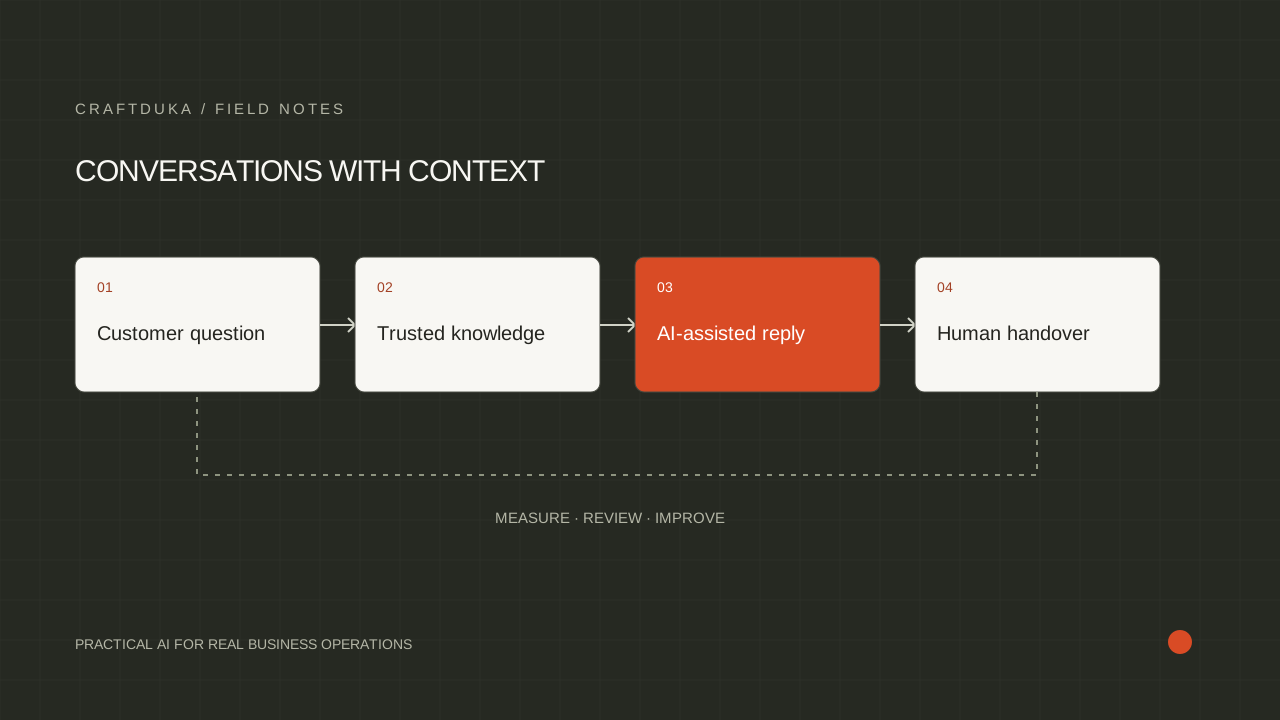
Store whether a conversation belongs to the assistant, an agent, or a waiting queue. When a person takes over, prevent competing automated replies. Preserve the escalation reason and relevant context for the agent. Define what returns the conversation to automation so ownership does not depend on guessing from the latest message.
Track the difference between preparing a reply, submitting it to the messaging service, and receiving the relevant delivery status. Avoid telling your team that a customer was contacted merely because text was generated. Handle failed sends with a documented recovery path, and check current platform messaging requirements before enabling any proactive communication.
Test the whole service and hand it over with ownership
Use realistic scenarios: a normal question, a missing account record, a repeated message, an unavailable CRM, a request for an agent, and a send that does not complete. Confirm the customer's experience and the operator's view for each scenario. Include representative languages and message styles from the audience the business intends to support.
Define who monitors unresolved events, updates help content, maintains credentials, and responds to integration failures. Keep a runbook explaining how to pause automated replies and continue manually. Start with a limited scope, review the evidence, and expand deliberately. A successful integration is one the operating team can understand and recover when a connected system changes.
- Keep secrets out of browser code and support transcripts.
- Record message processing separately from delivery status.
- Make escalation and pause controls part of the initial implementation.
Key takeaways
- Keep platform credentials and integration logic on the server.
- Separate message handling, business rules, AI generation, and human ownership.
- Test duplicates, unavailable systems, and message delivery before wider rollout.
Frequently asked questions
Is a WhatsApp API connection enough to create an AI assistant?
No. The connection provides messaging access; the assistant also needs application logic, approved information, conversation state, evaluation, and a route to human support.
Should every incoming message go directly to a language model?
No. Validate and deduplicate events first, then decide whether rules, a lookup, an agent, or a model should handle the request. This keeps the workflow more predictable and easier to operate.
What should a WhatsApp integration handover include?
Include account ownership, system diagrams, configured workflow boundaries, monitoring, escalation rules, and a recovery runbook. The team should know who can pause automation and how unresolved conversations will be handled.